
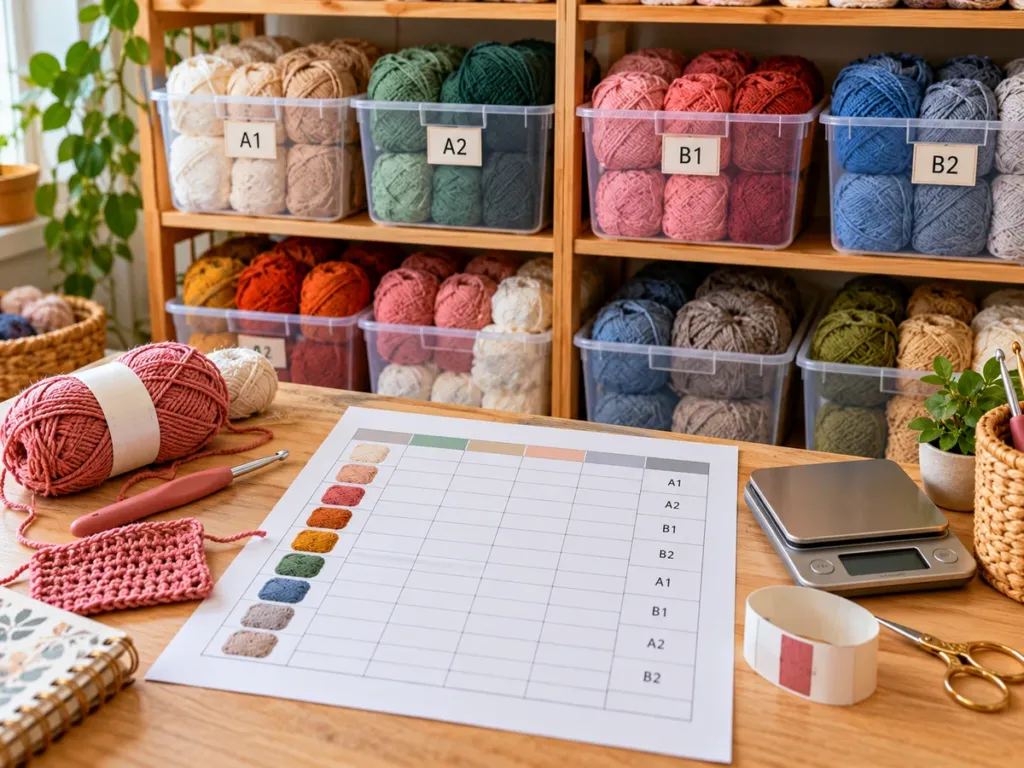
Know Exactly What Yarn You Own Before You Buy Another Skein
A simple yarn stash system with a free printable PDF, the columns that actually matter, and an easy way to build the same tracker in Google Sheets or Excel.
Ayarn inventory spreadsheet for crochet gives every skein a place in your system before it disappears into a tote, drawer, project bag, or closet. The goal is not to document every tiny detail. It is to answer the questions you actually ask before starting a project: What do I own? How much is left? Where is it? Is it the same dye lot? And have I already promised that yarn to another project?
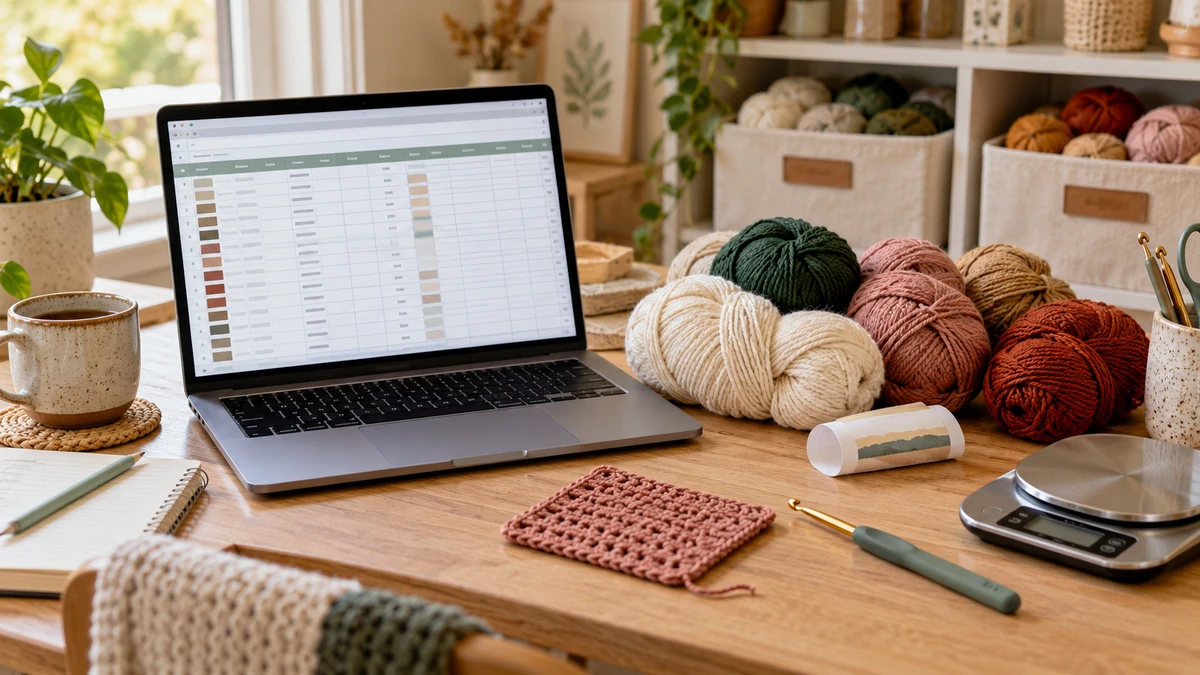
You can keep the list digitally in Google Sheets or Excel, or use the free printable tracker below when you prefer paper. The most useful setup is often a mix of both: one quick inventory table for the whole stash and a detail page only for yarn you really need to remember.
Free Yarn Inventory Spreadsheet PDF
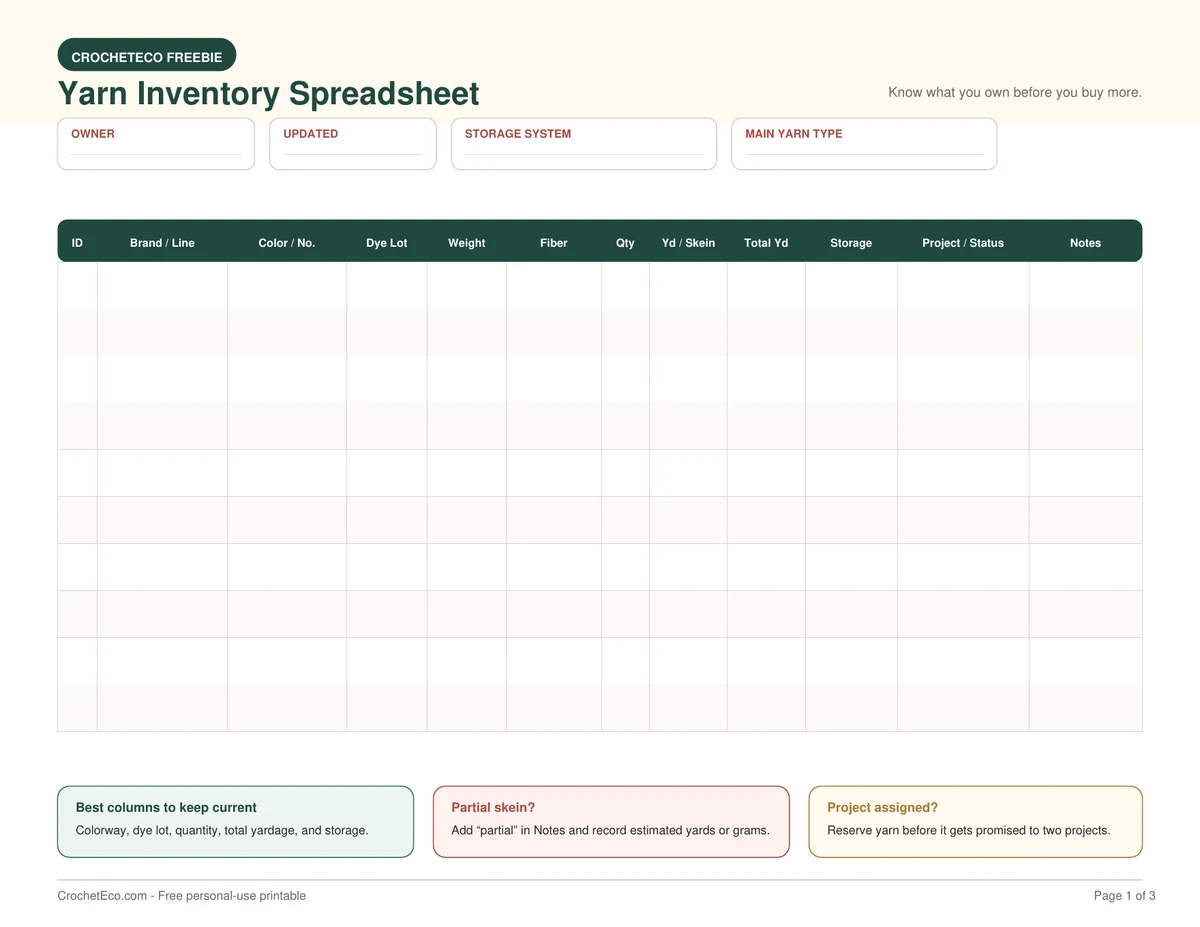
Download the CrochetEco 3-page stash tracker. It includes a quick inventory table, four yarn detail cards with swatch space, and a stash summary with project matching.
1. What Should a Yarn Inventory Spreadsheet for Crochet Track?
A useful tracker should tell you enough to identify a yarn, find it again, and decide whether it works for a project. You do not need twenty-five columns just because a spreadsheet can hold them.
| Column | Why it matters | Example |
|---|---|---|
| ID | Gives each yarn entry a short reference number. | Y-024 |
| Brand / Line | Helps you identify the exact yarn again later. | Lion Brand Heartland |
| Colorway / Number | Useful when you need the same color again. | Grand Canyon |
| Dye Lot | Keeps batches separate when color consistency matters. | Lot 2418 |
| Yarn Weight | Lets you filter your stash when a pattern calls for a certain weight. | #4 Medium |
| Fiber | Helps with feel, washing, drape, and project choice. | 100% acrylic |
| Quantity | Shows how many full or partial skeins remain. | 3 skeins |
| Yards per Skein | Lets the spreadsheet calculate available yardage. | 251 yd |
| Total Yardage | Makes project matching much faster. | 753 yd |
| Storage Location | Stops you from knowing you own yarn but not knowing where it is. | Bin B2 |
| Project / Status | Shows whether the yarn is free to use or already reserved. | Reserved: cardigan |
| Notes | Good for partial skeins, discontinued colors, or other details. | One skein partly used |
Colorway, dye lot, yarn weight, quantity, total yardage, storage location, and project status give you the information that is hardest to reconstruct after the yarn label is lost.
2. What’s Inside the Free CrochetEco Yarn Inventory PDF?
The free printable is deliberately simpler than a giant planner. The idea is to make it easy enough that you will actually keep using it.
Ten rows for the yarn details you check most often, including weight, quantity, total yardage, storage, and project status.
Four larger yarn cards with space for brand, colorway, dye lot, fiber, yardage, quantity, hook size, storage, project, and a yarn swatch.
Record total skeins, partial skeins, yardage, reserved yarn, and match yarn to planned projects before shopping.
A short checklist asks whether you already own a substitute, whether you have enough in one yarn or dye lot, and whether the yarn is already reserved.
You can print Page 1 as many times as needed for a large stash, or use Page 2 only for yarn where color, lot, fiber, or a physical swatch matters.
3. How to Build a Yarn Inventory Spreadsheet in Google Sheets or Excel
If you prefer a digital yarn inventory spreadsheet for crochet, use the same columns as the printable. Keep the first row for headings and one yarn entry per row.
Create your headings
Use: ID, Brand / Line, Color / Number, Dye Lot, Weight, Fiber, Quantity, Yards per Skein, Total Yards, Storage, Project / Status, and Notes.
Freeze the top row
This keeps your headings visible when the stash grows past the first screen.
Turn on filters
Filters let you quickly show only worsted yarn, only cotton, one storage bin, or yarn that is not assigned to a project.
Add a total-yardage formula
If Quantity is column G and Yards per Skein is column H, Total Yards can be calculated in column I.
=IF(OR(G2="",H2=""),"",G2*H2)
Copy that formula down the Total Yards column. Three skeins at 251 yards each will return 753 yards.
Do not merge different colors or dye lots into a single row just to make the spreadsheet shorter. One line should represent yarn that you would reasonably treat as the same inventory item.
4. How to Track Full and Partial Skeins
Full skeins are simple. Multiply the number of skeins by the yardage on the label.
Partial skeins need an estimate. If you still know the original skein weight and original yardage, weighing the remaining yarn can give you a useful approximation.
Original yardage × (remaining grams ÷ original grams)
Example: a 100 g skein originally contained 200 yards. If the remaining yarn weighs 35 g, the estimate is 200 × 35 ÷ 100 = about 70 yards.
Weigh only the yarn, not a heavy label, clip, or container. The calculation is useful for planning, but it is not a replacement for having extra yarn when a project must be completed in one matching batch.
5. What Information Should You Copy From a Yarn Label?
Before throwing away a label, enter the details you would have trouble remembering later.
Useful label information includes yarn weight, yardage, fiber content, recommended hook information, color name or number, and dye lot when one is listed.
For standardized yarn-weight information, see the Craft Yarn Council Standard Yarn Weight System .
Two skeins with the same color name can still come from different dye batches. Keeping the lot number makes it easier to see which skeins belong together before you start a project.
6. Make the Spreadsheet Match Your Physical Yarn Storage
A beautiful spreadsheet is not useful if the Storage column says things like “closet somewhere.”
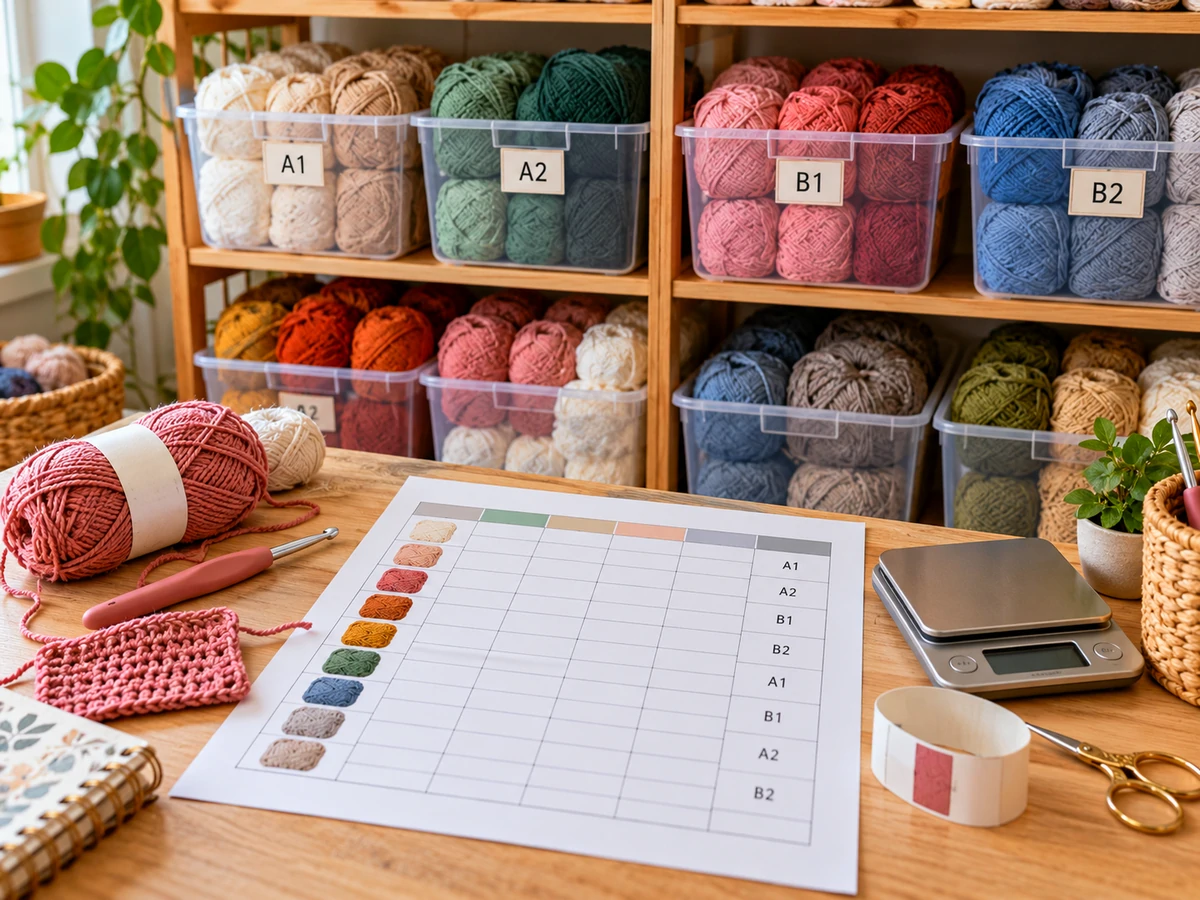
Give every physical container a short code. You can keep the system very simple:
Worsted acrylic in the top-left shelf.
Worsted cotton or cotton blends.
Partial skeins and useful leftovers.
Yarn already assigned to an active project.
Put the same code on the container and in your yarn inventory spreadsheet for crochet. Then searching for “B1” tells you exactly where to look.
7. Use the Yarn Inventory to Prevent Double-Booking Your Stash
One of the most useful columns is not about the yarn itself. It is the Project / Status column.
Imagine that your spreadsheet says you have 1,200 yards of cream worsted yarn. That sounds like plenty until 800 yards are already reserved for a blanket.
Use simple statuses:
- Available — free to use.
- Reserved — planned for a project but not started.
- In use — currently attached to a WIP.
- Partial — opened skein with estimated amount remaining.
- Low — only a small amount remains.
Check colorway, dye lot, and project status before deciding that your stash has enough yarn. Five unrelated partial skeins may add up to a large number but still not work as one matching project quantity.
8. The 5-Minute Routine That Keeps a Yarn Inventory Useful
The hardest part of a yarn inventory spreadsheet for crochet is not creating it. It is keeping it current.
Do not wait until your whole craft room needs reorganizing. Update the inventory at three moments:
When new yarn comes home
Add the entry before the label disappears. Record the storage location as soon as the yarn is put away.
When you start a project
Change the yarn status from Available to Reserved or In Use and add the project name.
When you finish
Remove empty skeins from the inventory and update partial skeins before they go back into storage.
That small routine is easier than rebuilding the inventory from scratch every few months.
9. Printable PDF, Spreadsheet, or Yarn Stash App?
| Method | Best part | Limitation |
|---|---|---|
| Printable PDF | Fast, simple, easy to keep beside physical yarn. | Sorting and automatic totals are manual. |
| Google Sheets / Excel | Search, filters, formulas, and easy updates. | You have to keep the file updated. |
| Yarn stash app | Can include photos, project links, and mobile access. | Features depend on the app and may change. |
For a small stash, paper may be enough. If you have dozens or hundreds of skeins, a searchable digital spreadsheet becomes much more useful.
The free CrochetEco PDF is designed to work beside either method rather than force you into one system.
10. Common Yarn Inventory Mistakes
Putting every detail in the spreadsheet
A tracker with too many required fields becomes annoying to update. Keep the main inventory short and use the detail page only when extra information matters.
Combining different dye lots
Keep them separate when color consistency matters. The total amount may look correct while the usable matching quantity is smaller.
Ignoring partial skeins
Leftovers can be useful, but only if you know they exist. Mark them as partial and add an estimated amount or weight.
Tracking yarn but not storage
Knowing that you own a yarn is not enough if it takes twenty minutes to find it. Give bins, drawers, or project bags short location codes.
Forgetting yarn that is inside WIPs
Yarn attached to an unfinished project is still part of your stash, but it is not fully available. Mark it as In Use.
11. Yarn Inventory Spreadsheet for Crochet FAQ
What should I include in a crochet yarn inventory spreadsheet?
Start with brand, colorway, dye lot, yarn weight, fiber, quantity, yards per skein, total yardage, storage location, project status, and notes. Add price or purchase date only if those details are useful to you.
Can I use Google Sheets for my crochet yarn stash?
Yes. Google Sheets works well because you can filter by yarn weight, color, fiber, storage location, or project status and use formulas to calculate total yardage.
How do I track leftover yarn?
Mark the skein as partial and either record its weight in grams or estimate the remaining yardage from the original skein weight and yardage.
Should I track dye lots?
Yes when the yarn has a dye lot number. It helps you see which skeins came from the same batch when matching color across a project.
Is the CrochetEco yarn inventory PDF free?
Yes. The three-page PDF is free for personal use and can be printed again when you need more inventory or yarn-detail pages.
Is a printable yarn inventory better than a spreadsheet?
Neither is automatically better. Paper is quick and easy to keep beside your stash. A spreadsheet is better when you want search, filters, automatic calculations, or a large inventory.
Final Thoughts on a Yarn Inventory Spreadsheet for Crochet
A yarn inventory spreadsheet for crochet should make it easier to crochet, not give you another complicated system to maintain.
Start with the basics: identify the yarn, record how much you have, note the dye lot, give it a storage location, and mark whether it is available for a new project. Add more detail only when that information solves a real problem.
Download the free printable for a paper system, or copy the same columns into Google Sheets if you want filtering and automatic yardage totals.
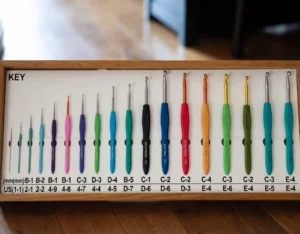
If you are organizing your tools at the same time, the CrochetEco crochet hook size chart is useful for comparing US and metric hook sizes.
Keep Your Crochet Supplies Easier to Find
Free crochet tools, practical organization tips, and tutorials made to be useful at the craft table.
Browse Crochet Tips →



Reader discussion
Reader Comments
Tried this pattern? Share what worked, ask a question, or help another crocheter.
Your turn
Comments are moderated to keep the discussion useful and family-friendly. Please do not post personal information.